
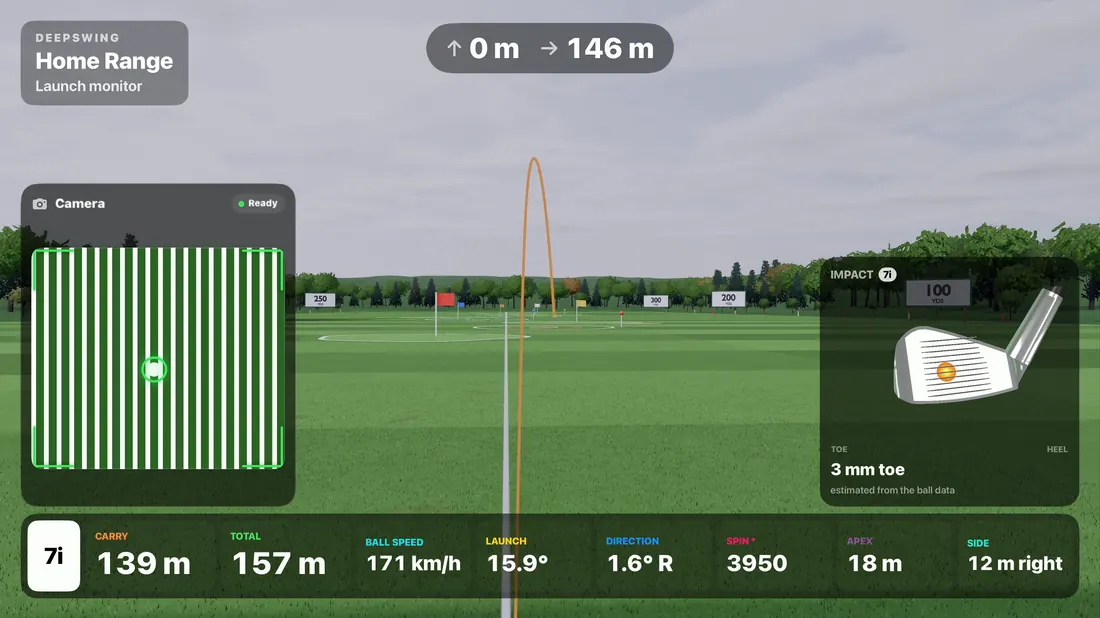
Everything runs on your iPhone
Ball speed, launch angle, direction, carry and total. Your shot flies on the range or a course right away.
Become a DeepSwing Pioneer: test the camera launch monitor before launch, at home, at the range and in mixed reality with Meta Quest 3.

Play real-feeling courses, range games and putting challenges with every shot you hit.
As a Pioneer you get every new feature first, including the ones we are still building with you.
Ball speed, launch angle, direction, carry and total. Your shot flies on the range or a course right away.
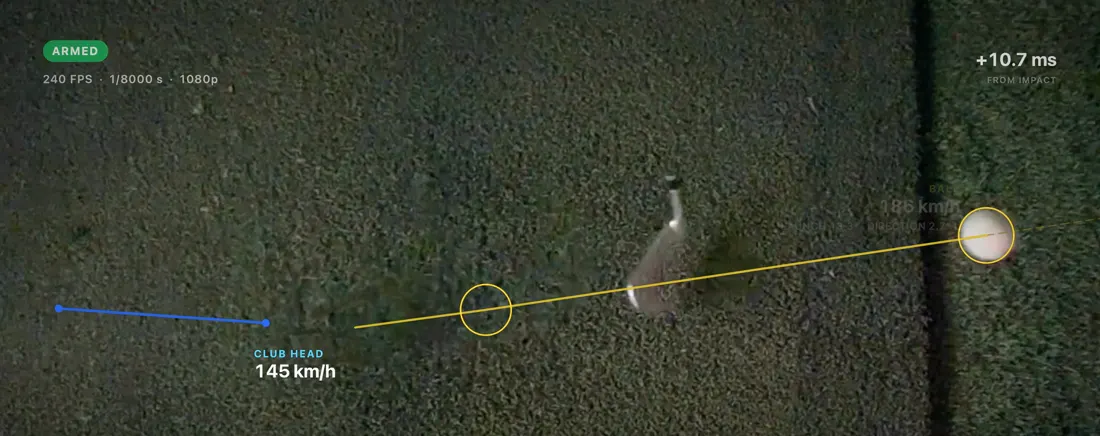
240 frames per second track the ball and the club head through impact, with the swing replay right next to your numbers.
Balls with an alignment stripe let the camera read spin. We are training it now, and Pioneers with marked balls help first.
Hit real balls on your own mat while the range and the courses open up around you. Just your iPhone and the headset, no PC.
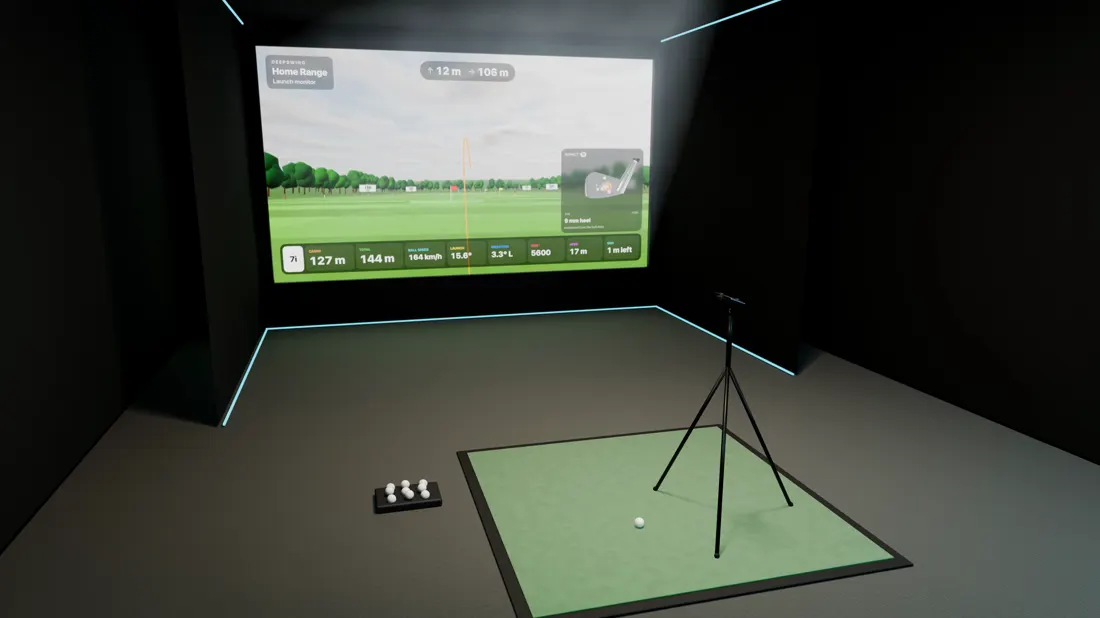
Projector, TV, AirPlay or iPad. Or send your shots to GSPro on your PC.
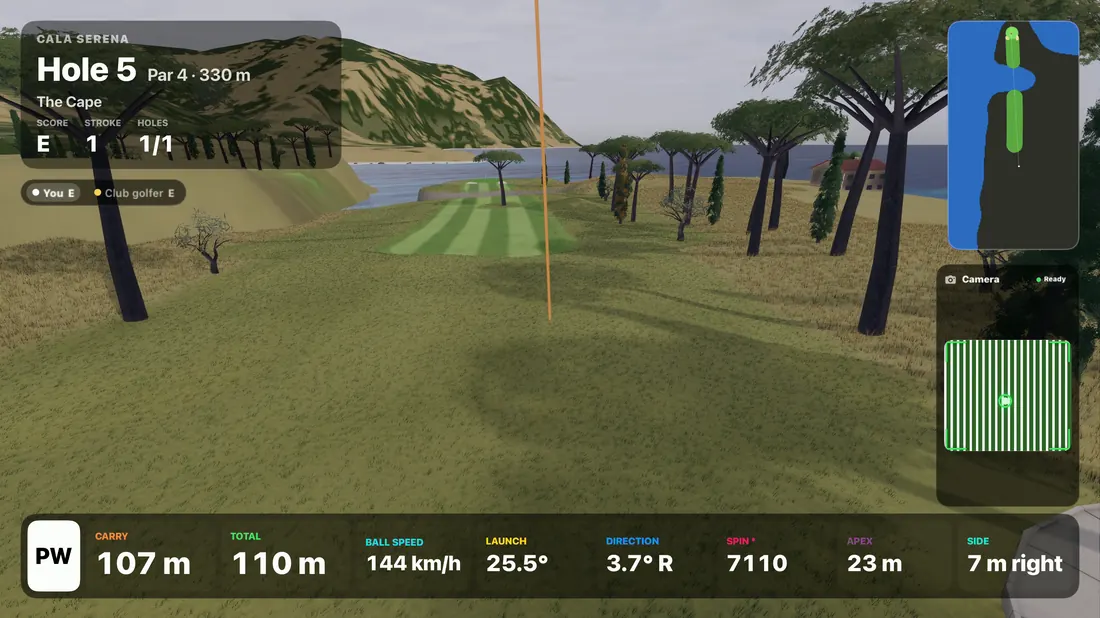
Play real-feeling courses, range games and putting challenges with every shot you hit.
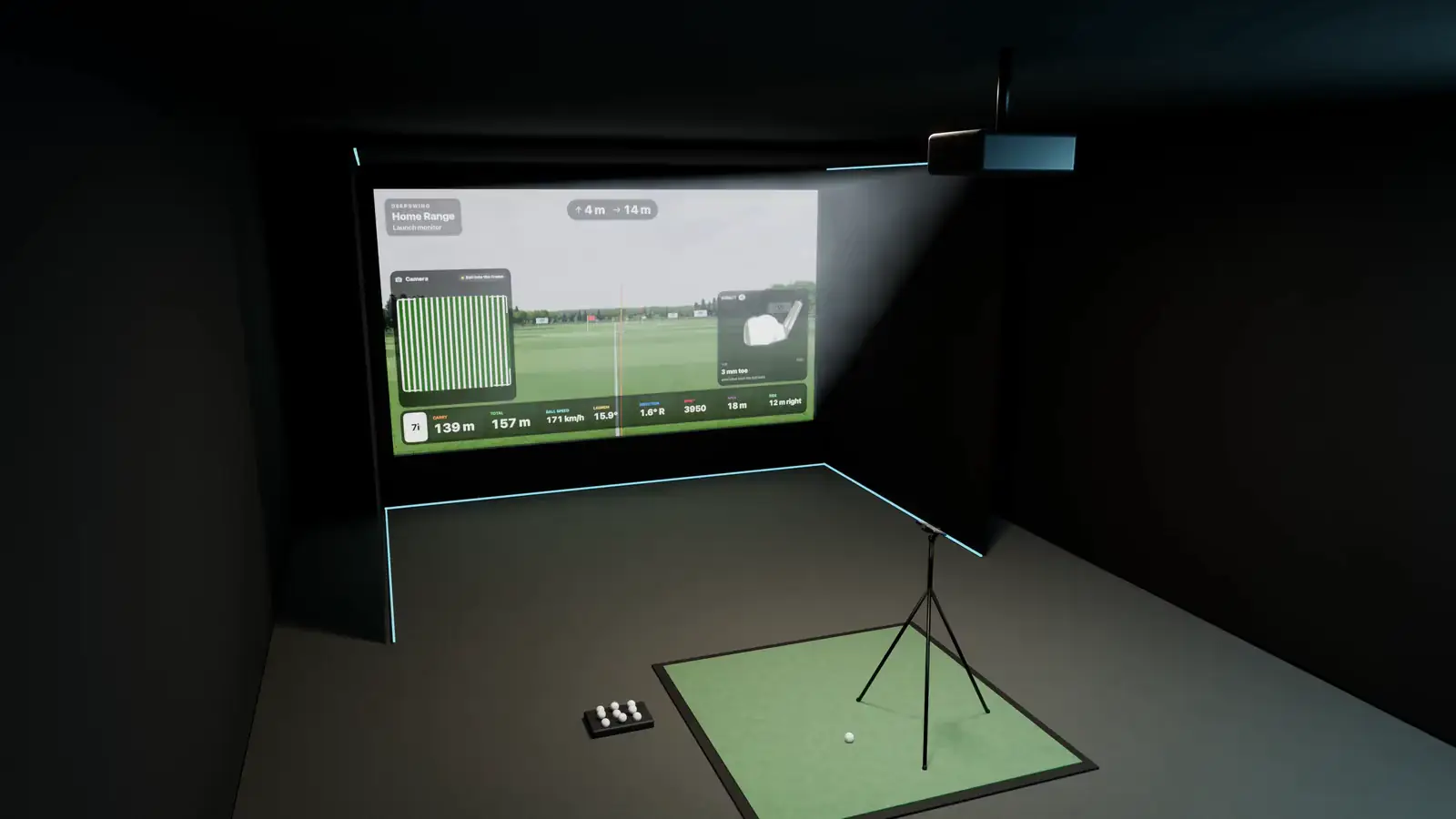
Tripod, iPhone, done. The app guides you to the right position and checks it for you.
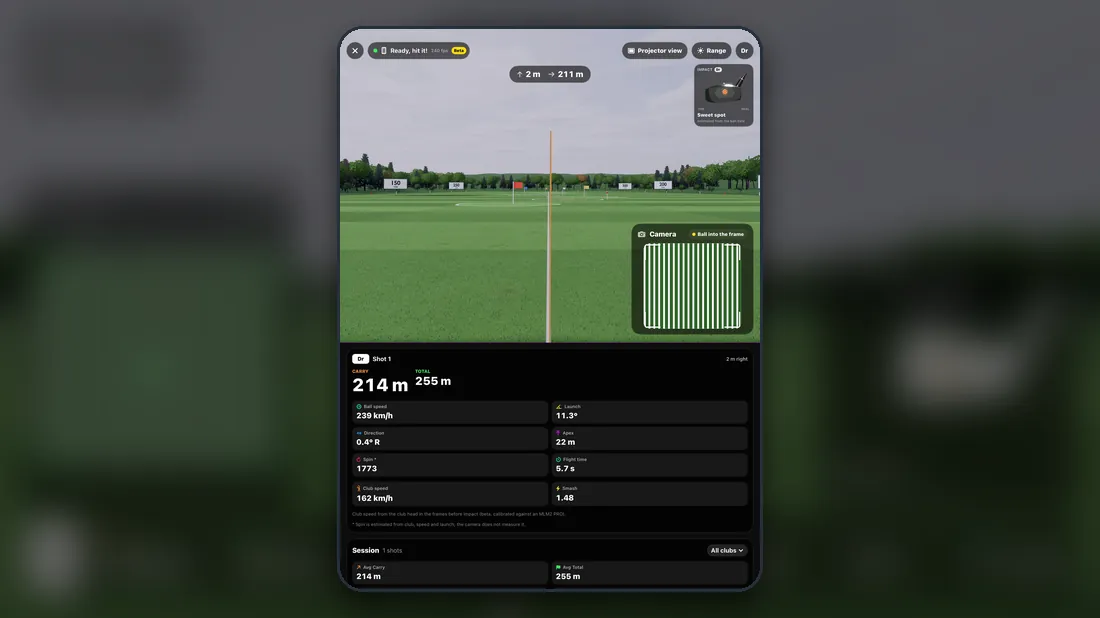
The iPhone films and measures, your iPad shows the range, the courses and every number.
Send every shot to GSPro on your PC. Your iPhone becomes the launch monitor for your simulator software.
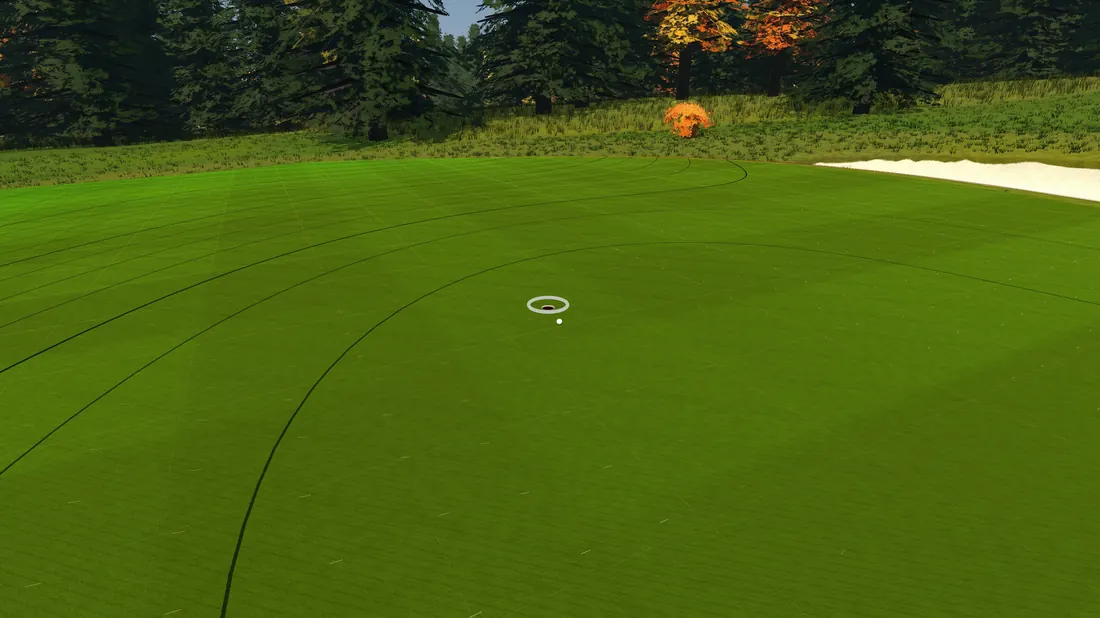
Putting practice, ladders and putting games on greens with real slopes.
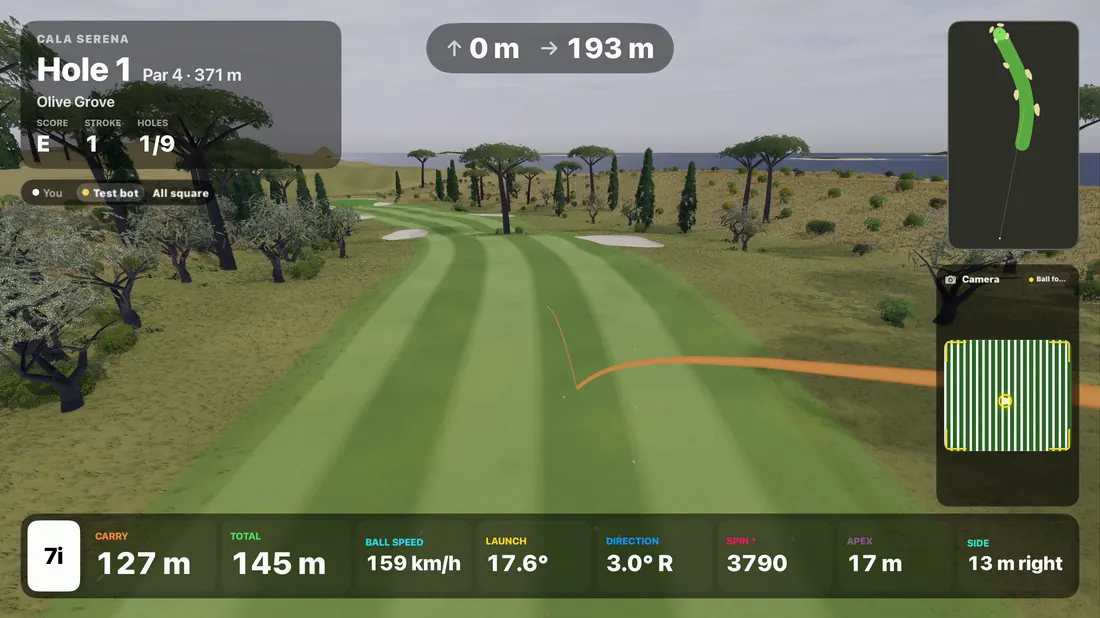
Online duels shot for shot on the same course, or play a bot at your level.
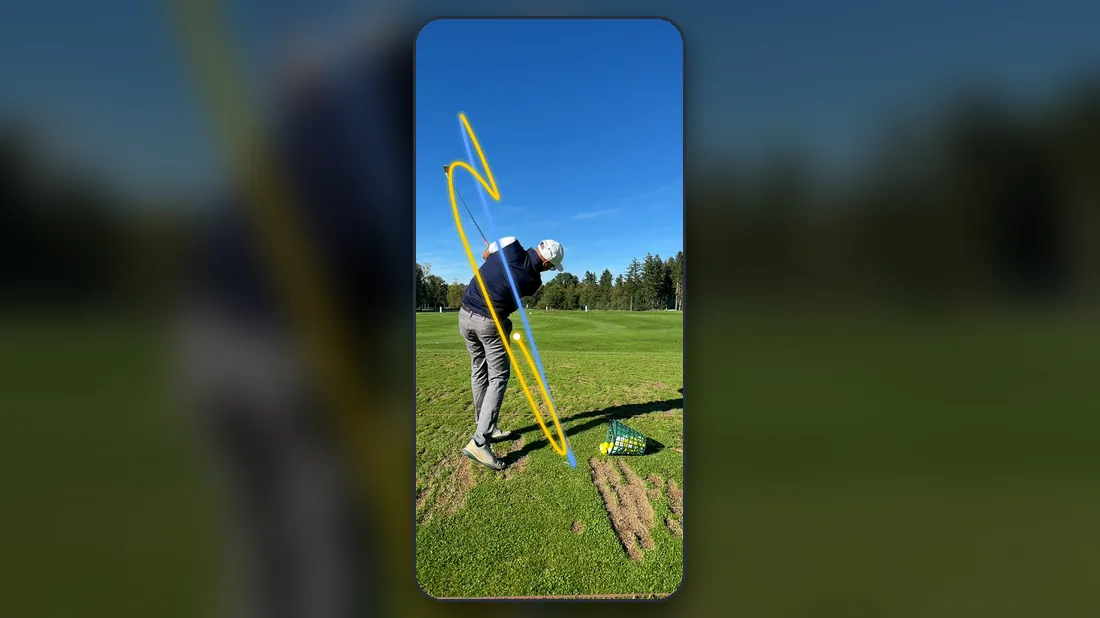
At the range a second iPhone films and analyses every swing, right next to your ball data.
Use the launch monitor months before the public launch, free during the beta.
Your reports go straight to the developers. We answer, fix and ship fast.
Every room, mat and iPhone teaches the launch monitor something new. Your feedback decides what comes next.
Tell us about your iPhone, your practice setup and your golf.
We invite in small waves so every setup is covered: home sims, ranges, Quest 3, reference launch monitors.
Install TestFlight, accept the invite and open the Launch Monitor tab. That is it.
Four short steps. The better we know your setup, the better we can match you to a wave.
We have sent you an e-mail. Confirm your address with one click and you are on the list.
Nothing. You test the launch monitor for free during the beta.
An iPhone, ideally from the last few years, a tripod or stand, and a place to hit balls: a net at home, a simulator or a driving range.
The launch monitor starts on iPhone. Apply anyway, we will let you know as soon as Android is ready.
We invite in small waves and look for a good mix: different iPhones, rooms, ranges, Quest 3 owners and players who already own a launch monitor to compare with.
Use the launch monitor regularly and tell us what you notice, best with a screenshot right in TestFlight. Now and then we send a short survey.
We use your answers to select testers and contact you about the beta. During the beta the app also sends measurement and error data from your sessions. Videos only when you send a shot yourself. Write to info@deepswing.io and we delete everything.