

Apple Watch
Control your swing practice from Apple Watch.
iPhone on the tripod, framing set, and you never touch the phone again. With the DeepSwing app for Apple Watch you start recording, Live Coach and Multi Capture from your wrist, and on the course you run your round.
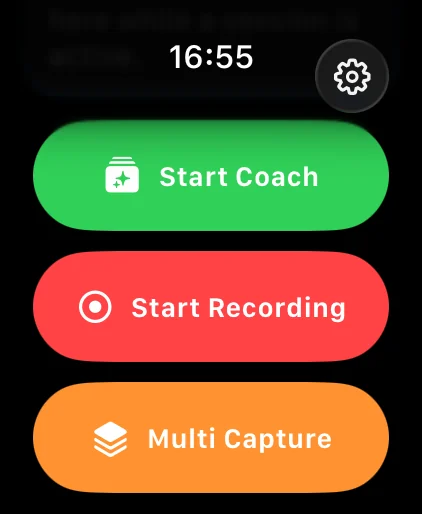
- 3modes: Coach, Recording, Multi Capture
- 9 / 18holes to control
- 0trips back to the phone
- Hapticsand complications
Live Coach
The coach picks your focus.
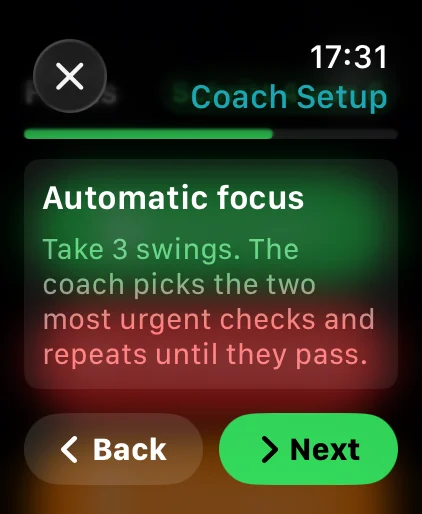
In automatic focus you take three swings. The coach picks the two most urgent checks and repeats them until they pass. You get the cues by voice and haptics.
- Automatic focus
- Voice and haptics
- Start and stop from the wrist
Golf rounds
Your round on your wrist.
Start and end a round, change holes and request the next recording. Complications and haptic feedback keep you informed on every hole.
- Start and end rounds
- Change holes
- Trigger the next recording
Multi Capture
Whole sessions, hands-free.
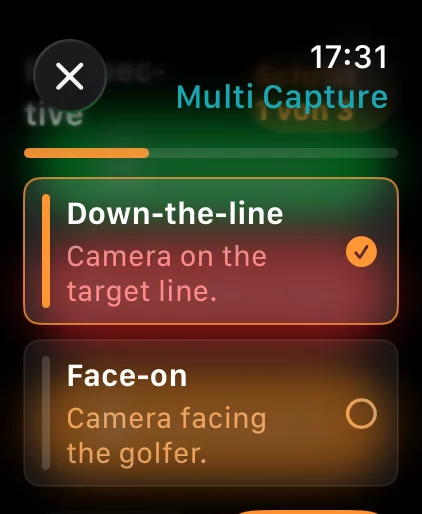
Pick view and club on the Watch and start a Multi Capture session. Every swing is saved and analyzed on its own, and the Watch shows saved swings and scores.
- Pick view and club
- Saved swings at a glance
- Session scores
iPhone
Everything works together.
The Watch controls, the iPhone films and analyzes. Live Activities on the Lock Screen show hole, shots and Swing Score.
- iPhone films and analyzes
- Live Activity on iPhone
- Status on the Watch
How it works
- 1
Pair once
Install DeepSwing on iPhone, open the Watch app, follow the setup.
- 2
Set up the iPhone
On a tripod, face-on or behind you on the target line.
- 3
Practice hands-free
Start Coach, Recording or Multi Capture on the Watch.
What golfers say
4.6 out of 5 · 126 App Store ratings
-
★★★★★ App Store
New update is great
The performance is excellent. The reworked Live Coach and the video player in particular are much clearer now and work smoothly. The other features are a great addition too and run reliably. …
Taguchi91 · Germany · Translated from German -
★★★★★ App Store
A really great app!
I use DeepSwing at every practice session on the driving range alongside my pro. The analysis really helps me understand my swing, check changes right away and put what I have learned into practice. What I find especially helpful is that I no longer train by feel alone but get concrete feedback. …
IronLady66 · Germany · Translated from German -
★★★★★ App Store
A great way into golf
As a beginner I find the app super helpful and feel really well supported. It is super easy to use and the explanations are clear and motivating. A great way into golf ☺️
Kati.Zauber · Germany · Translated from German
Questions, answered
Do I need an Apple Watch for DeepSwing?
No. The Watch is optional. Everything also works with just the iPhone.
Does the Watch analyze the swing itself?
No. The iPhone films and analyzes. The Watch controls recording, coach and round and shows you status and scores.
Can I get feedback without looking at a screen?
Yes. Live Coach gives cues by voice, and the Watch gives haptic feedback.
Does the Watch work on the course?
Yes. With Pro you start and end rounds, change holes and trigger the next recording from the Watch.
Does this replace a golf pro?
No, it complements one. Many golfers use DeepSwing between lessons to check what they learned.
Related topics
- iPhone Swing AnalyzerAnalysis on iPhone, with Apple Watch, widgets and Live Activities.›
- Swing Coach AppTop fix first, drills for every check, Live Coach by voice.›
- AI Swing AnalyzerBody and clubhead in every frame, 20+ checks, one clear priority.›
- Swing Analysis AppCapture, analyze, draw and compare: all in one app.›
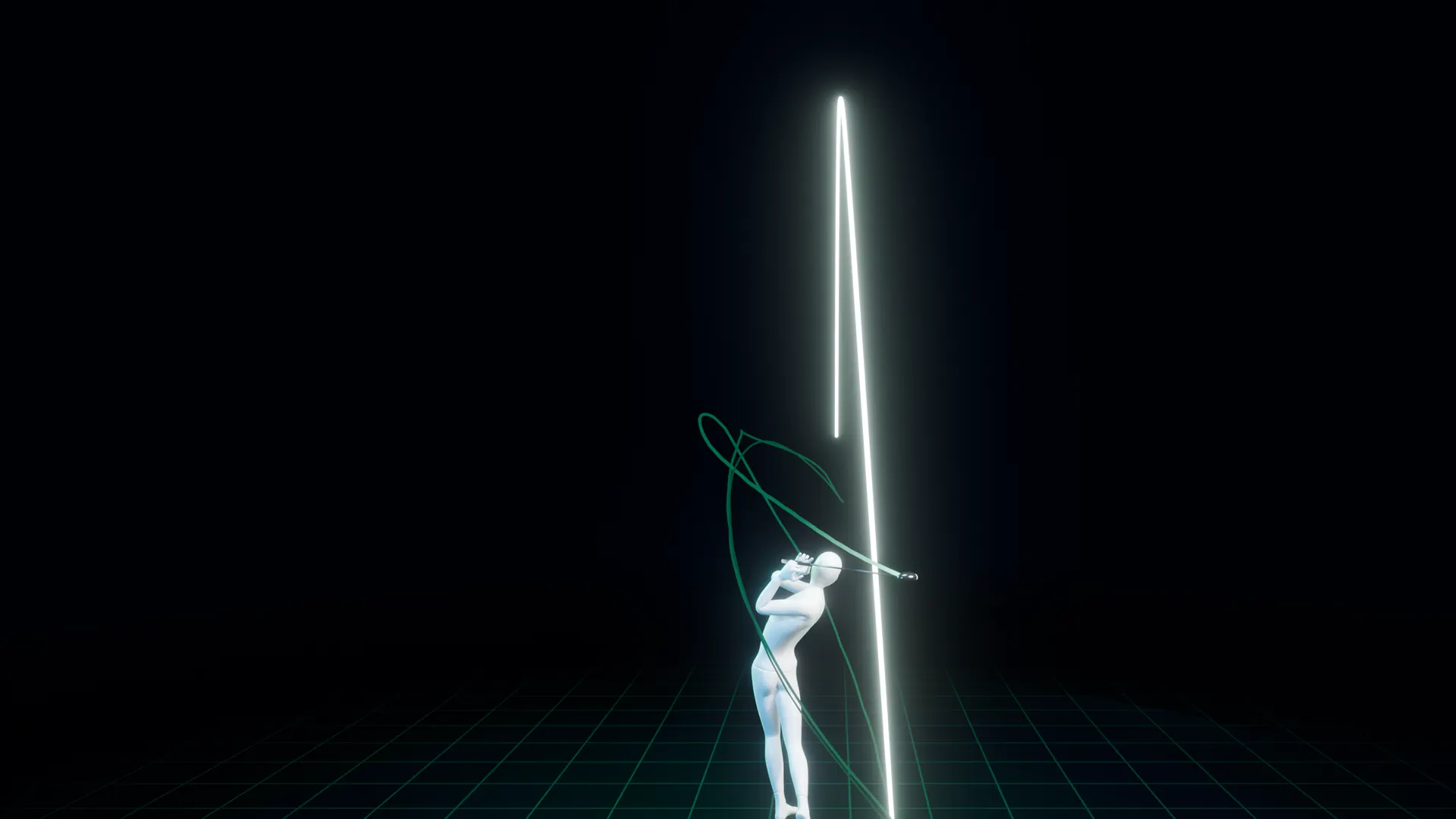

Your practice, run from your wrist.
Get DeepSwing on your iPhone, the Watch app is included.