

Golf swing analysis app
One golf swing analysis app, from recording to real progress.
Most golfers film their swing and then just watch it. DeepSwing closes the loop: hands-free capture, automatic phases, measurable checks, drawing tools, synced comparison and a history that shows whether a change really sticks.
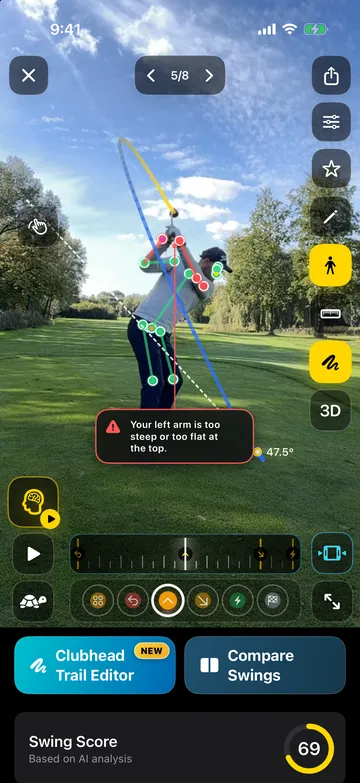
- 6phases per swing
- 20+checks
- 2views: face-on, down-the-line
- 3ways to capture
Capture
Just hit the ball. DeepSwing records.
With one-swing autocapture you start the capture and swing when you are ready. DeepSwing detects the view, records by itself and trims the clip. In multi-swing sessions you keep hitting and review later.
- One-swing autocapture
- Multi-swing sessions
- Import from your library
Compare
Two swings, phase by phase.
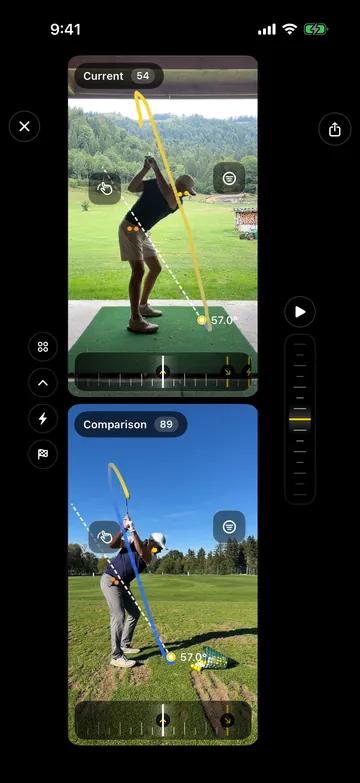
Put today's swing next to last month's or next to your best. Both play in sync by phase, backswing next to backswing, impact next to impact.
- Phase-synced
- Across clubs and dates
- With clubhead trails
Draw
Lines and angles like a coach.
Draw lines, angles, circles and freehand right on the video. Check whether you stay inside your lines through the whole motion and export the result as a slow-motion video.
- Lines, angles, circles, freehand
- Undo with one tap
- Export with overlay
History
Progress that sticks.
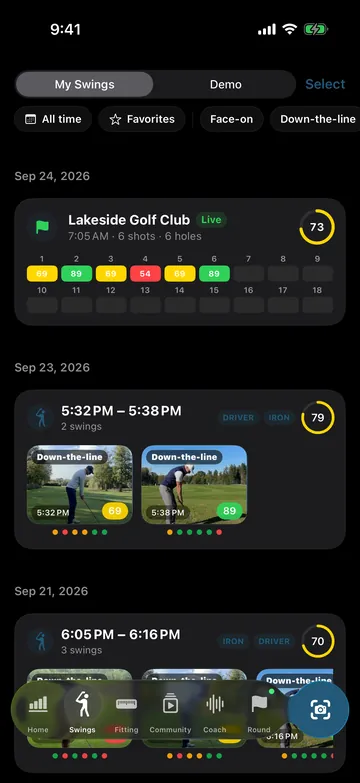
Every swing lands in History with score, checks, speed and club, grouped into sessions and golf rounds. Filters by club, view, issue or favorites show you what is changing.
- Sessions and golf rounds
- Filters and favorites
- Swing Score over time
How it works
- 1
Set up once
Pick club and handedness; the capture guide shows the right position.
- 2
Swing freely
A single swing or a whole session, every swing is detected and analyzed.
- 3
Review and compare
Read the checks, draw on the video and compare with earlier sessions.
What golfers say
4.6 out of 5 · 126 App Store ratings
-
★★★★★ App Store
Super helpful
I have played golf for years and always want to improve my swing. The app is super helpful because you can upload your own videos and analyze them right away. It recognizes the swing and gives really good tips for improving. Highly recommended!
Bosa2010 · Germany · Translated from German -
★★★★★ App Store
A great way into golf
As a beginner I find the app super helpful and feel really well supported. It is super easy to use and the explanations are clear and motivating. A great way into golf ☺️
Kati.Zauber · Germany · Translated from German -
★★★★★ Google Play
This app is great to look at body mechanics, which are so valuable to understand when learning golf at ANY level. …
Mark B. ·
Questions, answered
What is different from just filming my swing?
A normal video only shows pictures. DeepSwing detects the phases, measures 20+ checks against ideal ranges, draws the clubhead path, tells you what to fix first and saves everything, so you can see progress.
Can I analyze old videos from my library?
Yes. Import videos from your library, ideally slow motion and filmed with a steady phone.
Does the app work on the driving range?
Yes, that is what it is built for. Autocapture and multi-swing sessions record while you keep hitting.
Can I share an analysis with my coach?
Yes. Export slow-motion videos with overlays, lines and angles and share them the usual way. You can also stream to a second device.
Which devices are supported?
iPhone with iOS 18 or later and Android phones with Android 10 or later.
Related topics
- AI Swing AnalyzerBody and clubhead in every frame, 20+ checks, one clear priority.›
- Down-the-Line AnalysisSwing plane, over the top and posture from behind.›
- Face-On AnalysisSway, tilt, weight shift, tempo and speed from the front.›
- Swing Coach AppTop fix first, drills for every check, Live Coach by voice.›
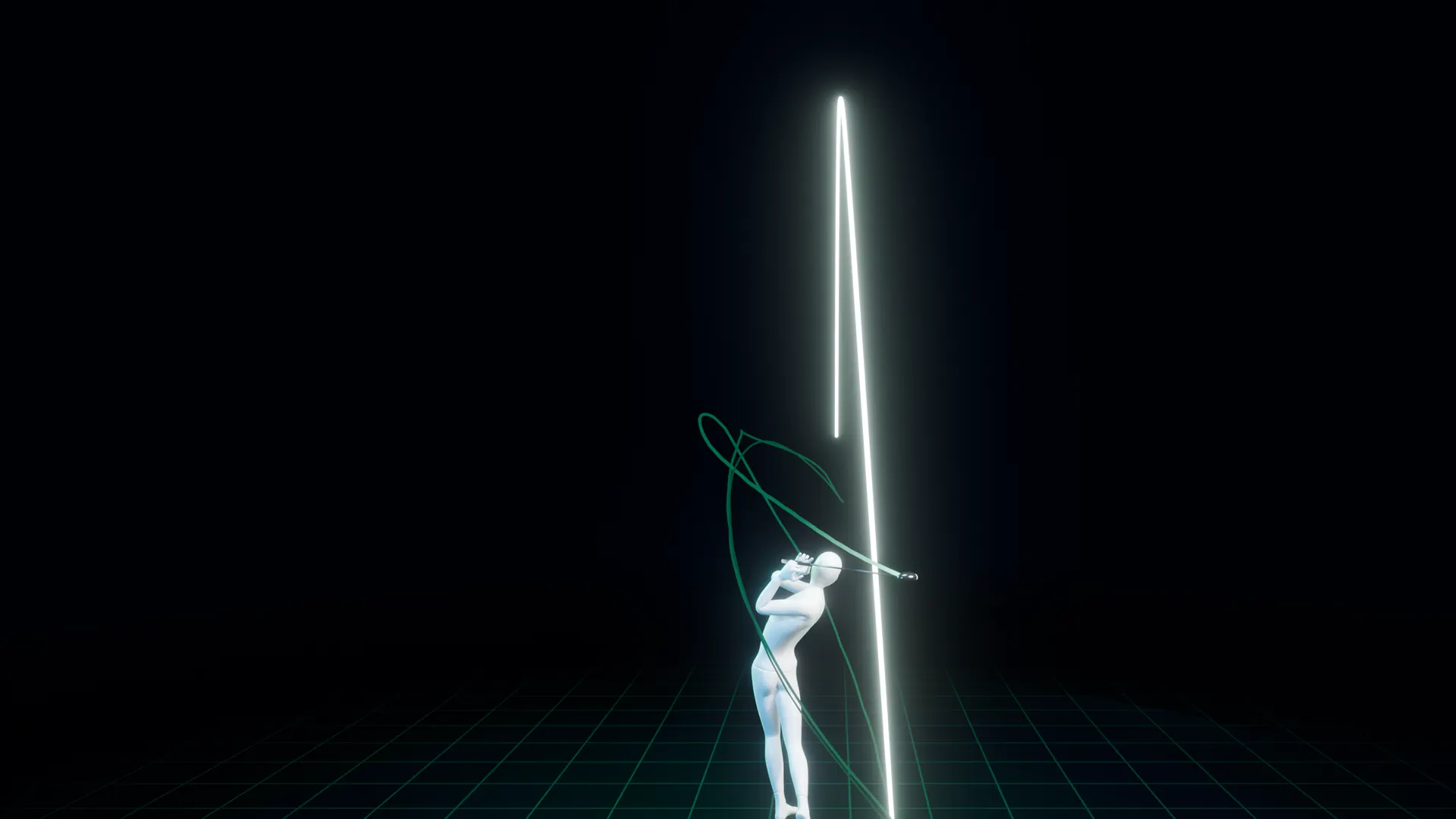

Your whole swing analysis in one app.
Get DeepSwing and try Pro free for 7 days.